

Telegram userbot (opt-in)
⚠️ Automating a personal account is against Telegram’s ToS and can get the account limited or banned. The userbot is opt-in and used at your own risk; reading is far safer than sending.
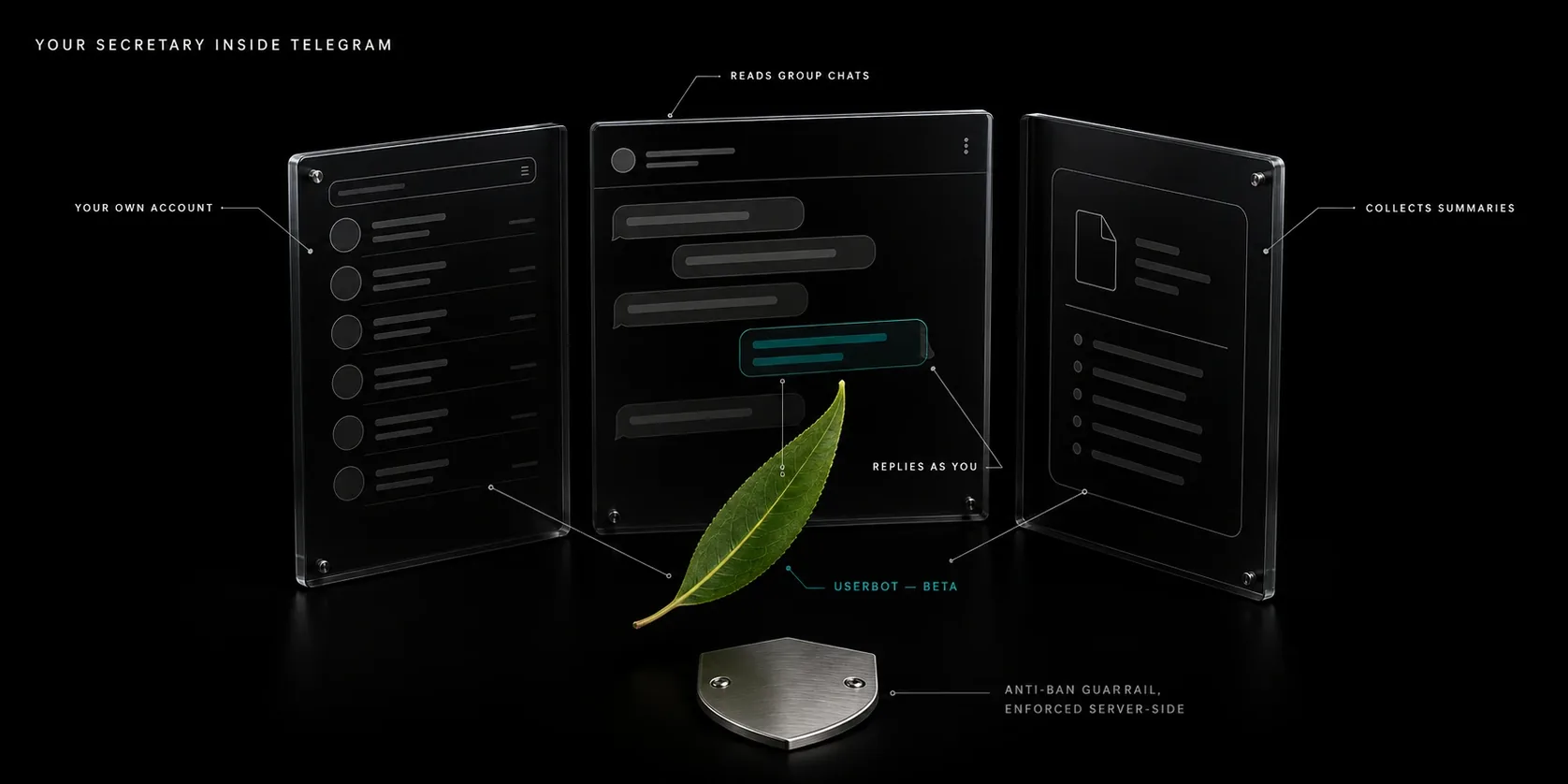
Iva can read and send from your personal Telegram account (a userbot), not just
the bot. It talks to a small proxy — services/telegram-userbot/serve.py — that owns
the Telethon sessions and exposes Telegram over MCP on 127.0.0.1. Iva connects to it
natively (agent/connections/telegram-userbot.ts).
⚠️ Account-ban risk. Automating a personal account violates Telegram’s ToS and can get the account banned — especially for sending. Reading is far safer.
A built-in anti-ban guardrail is enforced server-side (
guardrails.py) — not just advice: FloodWait compliance (wait ×1.3, retry once), a randomized delay after every send (fixed-interval bots get flagged), and a circuit-breaker that pauses sending after 3 FloodWaits in 24h. It wrapssend_message,send_fileandforward_messages— the agent cannot talk past those. Raw-API writes (joins, invites, contact imports, reactions) are not wrapped: their limits live in the skill file, which is a prompt, so treat them as advisory. Limits are still per-account, so behave like a human. Full rules:agent/skills/telegram-userbot/safety.md.
Connect — just chat with the bot
You never touch a terminal. Tell the bot «подключи мой телеграм» and it does everything for you, in chat:
- It warns you (at your own risk) and, the first time, walks you through creating an app at
https://my.telegram.org → API development tools — you paste the
api_id/api_hashback into the chat. The agent provisions the proxy for you (builds its venv, starts the service) via its host shell — no restart of iva needed. - It renders a QR and sends it as an image into your chat. Scan it in the Telegram app of the account you’re connecting: Settings → Devices → Link Desktop Device.
- If you have 2FA, it asks for your password (change it afterward if you’d rather it not pass through chat). Done — the session persists on the server, so this is one-time.
[!WARNING] Whatever you type in the chat is stored verbatim in that day’s
daily/log,api_hashand 2FA password included, and it passes through the model like any other message. After connecting, delete those lines from the daily file — and if you sent a 2FA password, change it. There is no separate secure channel for this yet.
Manual commands (optional — the agent runs these for you)
iva userbot creds    # read api_id + api_hash from stdin → .env (two lines)
iva userbot setup    # build venv, generate the token, enable + start the proxy (idempotent)
iva userbot status   # shared service, proxy and Telegram-login health
iva userbot diagnose --json  # read-only machine-readable health
iva userbot off      # stop and disable the proxy
The health state is one of off, starting, unreachable, unauthorized or
ready. CLI and Telegram use the same 1.5-second probe. It checks the existing
proxy’s /healthz route, which reads authorization from the default account’s live
Telethon client and never opens another session. Diagnostics expose only fixed
state/reason values; bearer tokens and transport errors are not returned. CLI status and diagnostics also check that the version’s Python interpreter can import the proxy dependencies; this import check never opens a Telegram session.
Updates prepare a previously running userbot before bringing it back; iva restart does so only when the running proxy does not answer, because re-syncing a ready venv needs the network. Preparation uses the same executable uv to create the version’s venv and sync requirements.lock with hashes. A non-login PATH is supported through the installer’s standard ~/.local/bin/uv location. The proxy is stopped before dependencies change, imports are checked, and the existing authenticated health route must answer within a minute (the proxy connects to Telegram before it listens). unauthorized means the proxy is available for QR login, not that Telegram is logged in.
If preparation or readiness fails, Iva’s main update remains usable and reports the reason. The userbot is stopped and disabled so a reboot cannot start the broken environment again; after resolving the reported cause, iva userbot setup turns it back on. Iva also tells you in Telegram that the update switched the userbot off, with the reason and the /menu button that turns it back on. A previously inactive or absent userbot stays inactive or absent during update. Existing owner tokens, Telegram session and configuration are retained.
Iva’s proxy publishes nullable input types for Telegram’s optional arguments whose
source function defaults to None, and accepts explicit null as that same default.
Required arguments, nested values and tool output types retain their validation.
This is local to the Telegram tools; a JSON Schema default: null by itself does not
permit null in another MCP server’s schema. Existing processes cache tool schemas:
after upgrading, restart the proxy (iva userbot setup) and Iva (iva restart).
For parameter errors, Iva’s userbot skill
instructs it to use the tool’s schema, omit unused optional fields, and pass JSON
booleans rather than strings. The proxy also forgives three known slips: the text
"null" in an optional field counts as an omitted field, an account label the model
made up ("main") goes to the one connected account, and a public t.me/<name> link
in a chat or user id field becomes @name. Message text and search queries keep their
links; invite and t.me/c/ links are passed on unchanged.
With several accounts, an unknown account returns a tool error with the available
labels before Telegram MCP masks it as GEN-ERR.
Use list_accounts for actual labels. Omitted accounts keep the upstream single-account
selection and read-only multi-account fanout. Other generic upstream GEN-ERR replies
can still hide their cause; account discovery and health diagnostics help narrow it down.
Several accounts and downloaded files
The proxy discovers saved sessions in data/, or in ASSISTANT_DATA_DIR when set.
The main file telegram-userbot.session has the label default. Additional accounts
use telegram-userbot-<label>.session, with labels containing only lowercase ASCII
letters, digits and underscores. Restart the proxy after adding a session file.
QR login and health checks use default; the startup journal lists all accounts.
Use list_accounts to get their labels and pass account when choosing an account
in multi-account mode. With one account, omit account.
Saved files take precedence over session environment variables with matching labels.
The proxy blanks superseded variables so upstream’s .env reload preserves that choice.
File sessions use their resolved paths to identify duplicates: another label pointing
to the same saved session is skipped and logged, including symlink aliases.
Other TELEGRAM_SESSION_NAME_<LABEL> and TELEGRAM_SESSION_STRING_<LABEL> accounts
remain available and their labels appear in the startup journal.
download_media retrieves files beyond the bot’s 20 MB limit, including large audio.
File tools use only data/userbot-files/, or userbot-files/ inside ASSISTANT_DATA_DIR.
The proxy creates this directory with mode 0700 and checks its type, owner and permissions.
A symlink, another owner or group/other permissions disable file tools; the proxy
continues serving account tools. Each download goes into a fresh private subdirectory,
and the tool returns the actual saved path. Iva works with that path and can move the
file to vault afterward. Uploads also use this directory; vault and ASSISTANT_TMP
are outside the file tools’ allowed roots. Session, token and environment files remain
excluded even inside the file directory. MCP client Roots can narrow this boundary.
Safety knobs
TELEGRAM_EXPOSED_TOOLS=read-onlyin.env— the agent can read/search but physically cannot send or mutate (the proxy prunes all write tools). Onboarding still works.TELEGRAM_MCP_PORT(default8724),TELEGRAM_USERBOT_QR_CHAT_ID(defaults to the first ofTELEGRAM_ALLOWED_USER_IDS). The default needs no config. If you set a custom port, runiva userbot setup(restarts the proxy) andiva restart(iva reads the port from its env at start) so both agree.- The proxy bearer lives in
data/telegram-userbot.token(0600), read at runtime by both the proxy and iva — so the agent can provision the proxy mid-chat without restarting iva.
How it works
- One session owner. Exactly one process may own a Telethon session; a second opener desyncs MTProto. The proxy is that owner; iva calls it over HTTP.
- Session-less boot. With no session yet, the proxy comes up unauthorized (onboarding mode) and serves only login tools until you scan the QR — then the same live client becomes authorized in place, no restart.
- Enforced anti-ban.
guardrails.pywraps the outbound methods (send_message,send_file,forward_messages) with FloodWait compliance, randomized pacing, and a circuit-breaker (3 FloodWaits in 24h → sending pauses). - Built on chigwell/telegram-mcp
v3.2.0(116 tools), pinned inservices/telegram-userbot/requirements.txt.